Py16os_cart
A downloadable game for Windows, macOS, and Linux
Turn your PY-16 fantasy console into a mini operating system!
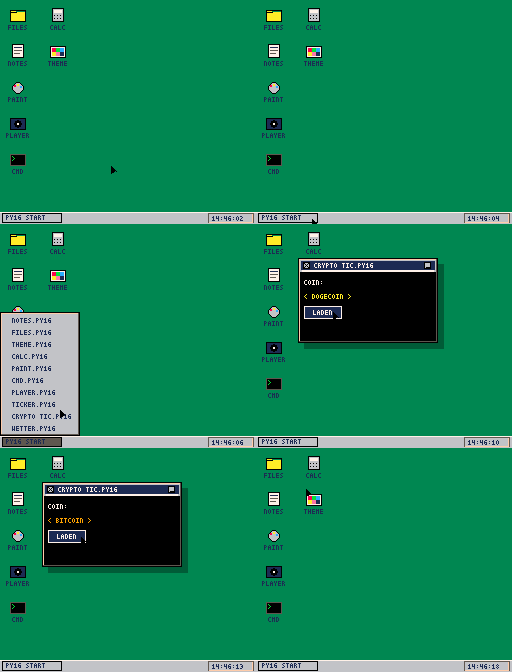
PY16OS features a fully functional window manager, a taskbar, and seamless drag-&-drop functionality.
✨ Built-in Apps:
- 📁 FILES: File browser with drag & drop support.
- 📝 NOTES: Text editor featuring an on-screen keyboard.
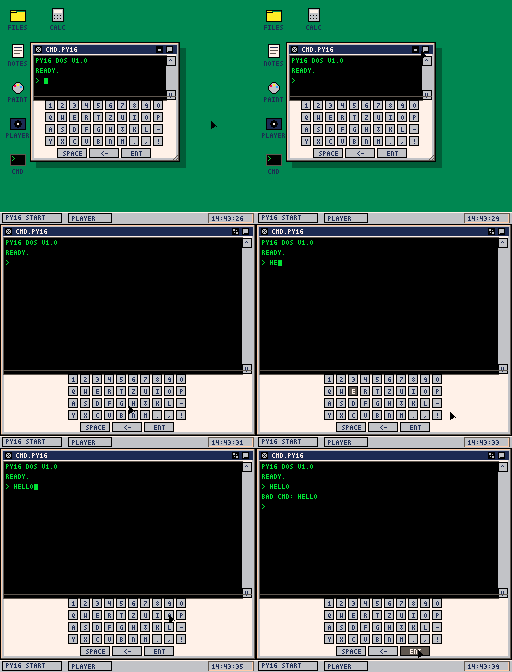
- 💻 CMD: DOS-like command line interface.
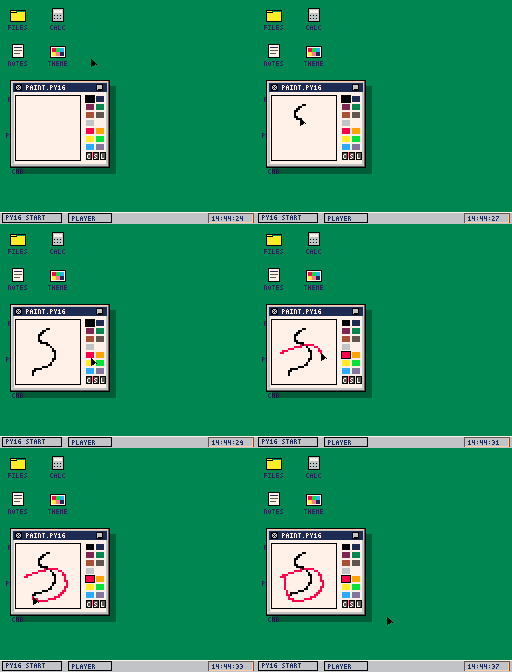
- 🎨 PAINT: 32x32 pixel art editor using the
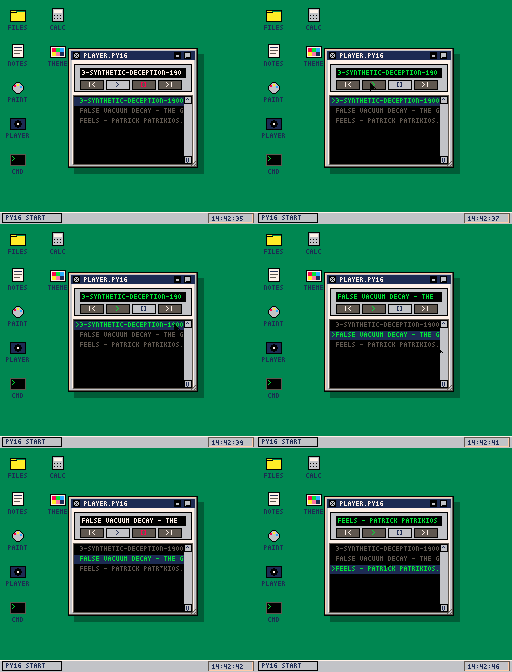
.p16imgformat. - 🎵 PLAYER: Audio player for your MP3, OGG, and WAV files.
- 🧮 CALC: A handy pocket calculator.
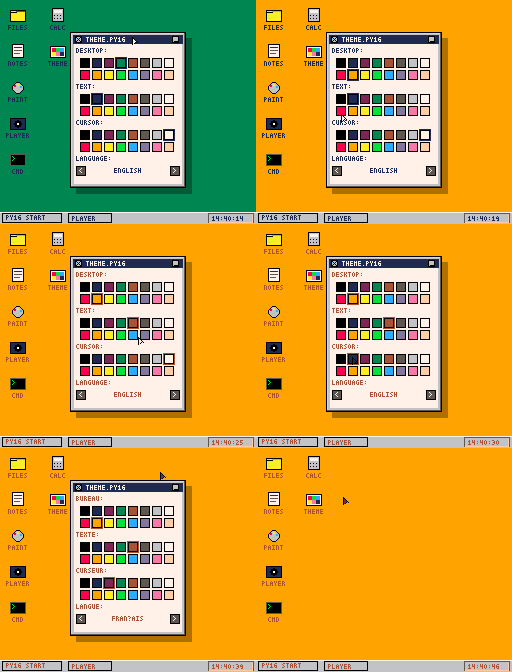
- ⚙️THEME : Customize colors and language settings, persistently saved in theme.json.
🖱️ Drag & Drop Features:
- Drop a
.txtfile into NOTES to load the text. - Drop an
.mp3/.ogg/.wavfile into PLAYER to play it. - Drop a
.p16imgfile into PAINT to edit the image, or drop it onto a Desktop Icon to set a custom icon.
🔌 Plugin System: Want more tools? Every .py file inside the apps/ folder acts as an independent application. Build your own extensions easily!
Controls:
-
Mouse / D-Pad: Move cursor
-
Left Click / Z: Select / Drag / Interact
-
Right Click / X: Open Context Menu (Manage files, Create new TXT, etc.)
-
Start / Enter: Open Start Menu
Credits: By Prof. Planloz. Code by Gemini 3.1 pro & Claude opus 4.7.
Download :
https://github.com/ProfPlanloz/py16
or
pip install py-16
Download
Click download now to get access to the following files:
Leave a comment
Log in with itch.io to leave a comment.